
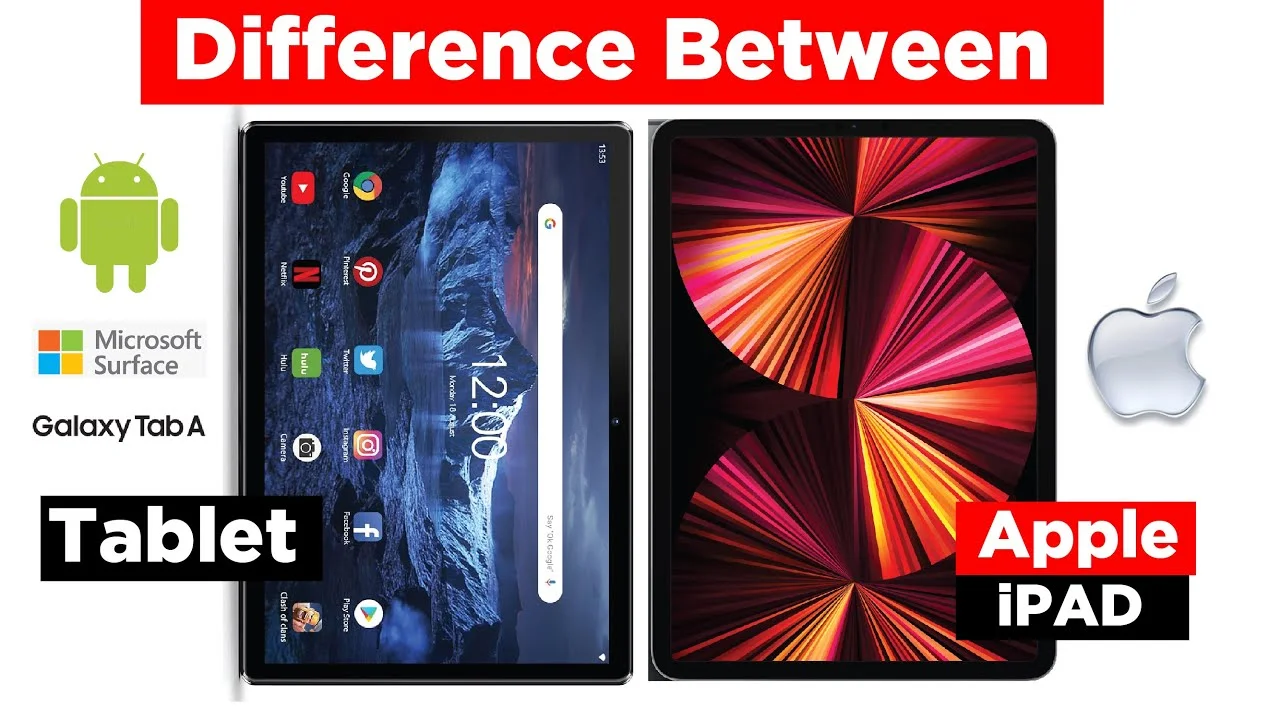
What is the difference between iPad and a Tablet? Many people use the terms iPad and tablet interchangeably, but they are not exactly the same thing.
Table of Contents
While both devices are portable touchscreen computers designed for entertainment, productivity, and communication, there are important differences between them.
An iPad is a tablet manufactured by Apple and runs on Apple’s operating system. A tablet, on the other hand, is a broader category of devices produced by various manufacturers and powered by different operating systems.
Understanding these differences can help you choose the right device for your needs, whether you want a portable entertainment device, a productivity tool, or a lightweight alternative to a laptop.
I have used both iPads and Android tablets for graphic design, drawing, media streaming and content creation. The main difference I noticed is not in the tablet hardware but overall power, perfomance and user experience.
Software ecosystem was not too important for me because I usually see OS preference as a matter of preference. For example I am more comfortable working on Android OS than iOS.
Related Posr:
What Is a Tablet PC?
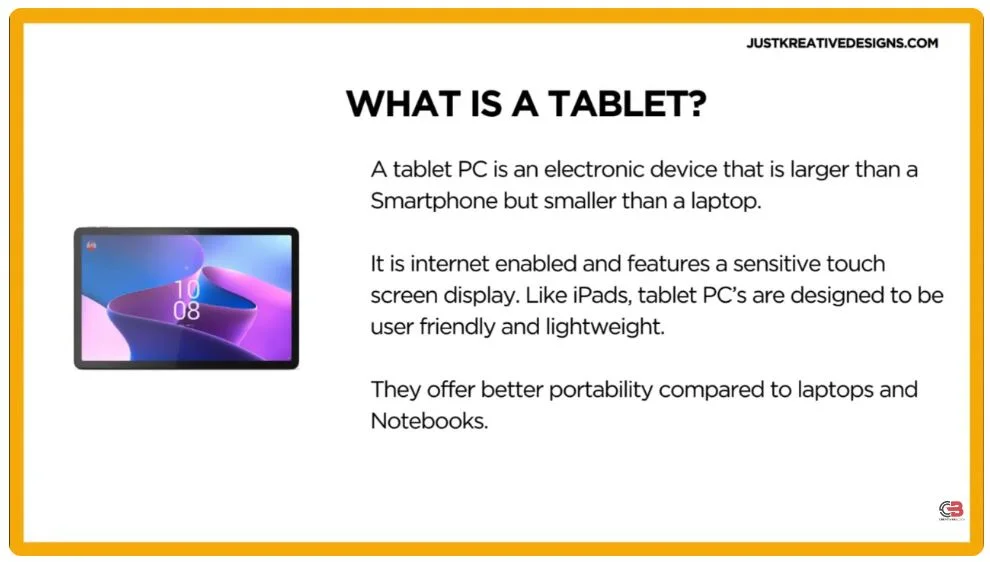
A tablet PC is a portable touchscreen computer that is larger than a smartphone but smaller than a traditional laptop. It combines the convenience of a mobile device with many of the capabilities of a computer.
Tablet PCs are designed to be lightweight, portable, and easy to use. They can browse the internet, run applications, play media, create documents, and perform many everyday computing tasks.
Unlike iPads, tablet PCs are manufactured by many different companies and are available in a wide range of sizes, specifications, and price points.
Tablet PCs Pros and Cons
- Wide range to choose from
- Some come with a stylus pen while others have expandable storage
- Cheaper than most iPads
- Better software flexibility and compatibility.
- Different OS types available such as Android OS on Samsung and Windows on Microsoft
- Weaker Processing power compared to iPads. This limits processing complex tasks.
- Limited upgradability compared to laptops and desktopcomputers. However, some like Samsung Android tablets allow storage space upgrading using a MicroSD card slot.
- They are made by many different brands meaning they all vary significantly.
- Choosing one from thevery many different brands can be complicated.
Important Features of a Tablet PC
Multiple Operating System Options – Tablet PCs are available with different operating systems, giving users greater flexibility when choosing a device that matches their preferences and software requirements.
Multitasking Capabilities – Many tablet PCs are designed to handle multiple applications simultaneously, allowing users to switch between tasks more efficiently.
Expandable Storage – Some tablet PCs allow storage expansion through external memory options, making it easier to increase available space without purchasing a new device.
Broad Software Compatibility – Tablet PCs generally support a wide variety of applications and file formats, making them suitable for different professional and personal uses.
Flexible Connectivity – Many tablet PCs offer multiple methods of connecting to external devices, transferring files, and integrating with other systems.
What Is an iPad?
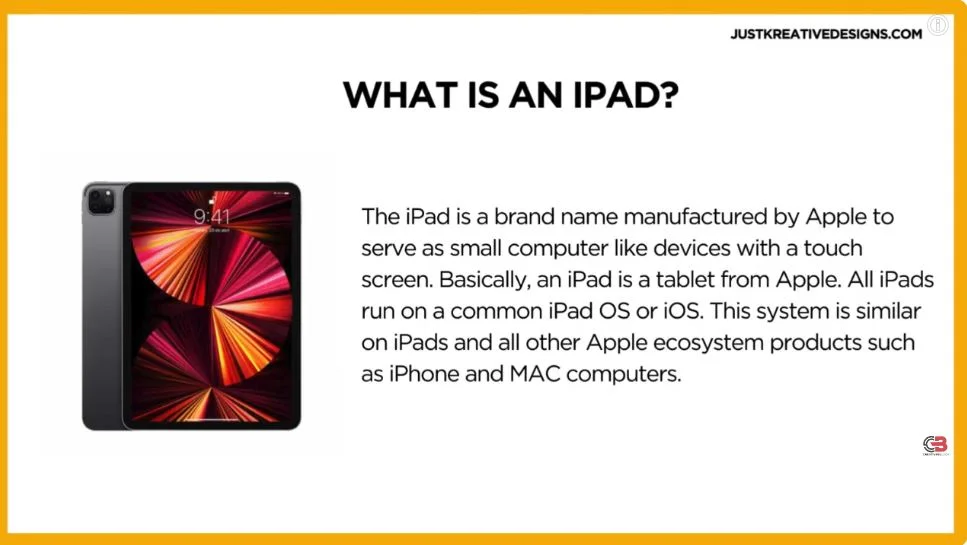
An iPad is a line of tablets developed by Apple. Introduced in 2010, iPads were designed to offer a lightweight and portable computing experience for tasks such as browsing the internet, watching videos, playing games, reading documents, and creating content.
Unlike tablet PCs, all iPads use the same operating system and follow a consistent design philosophy. They are also designed to work closely with other devices within Apple’s ecosystem.
iPads Pros and Cons
- Overall better power, perfomance and display
- iPad tablets are usually relatively more expensive than many Tablet PCs
- More rigid with limited customization for example you can not upgrade with a MicroSD card
- Accessories like Pencils are bought separate making them more expensive
- Storage expansion options are limited, and users may encounter restrictions when transferring files or using certain third-party software
- iPads offer better build quality and design compared to Tablet Pcs
- They are also more powerfuland offer a bright impressive display thanks to superior screen technology.
- iPads are built to offer a premium highly polished user experience
- Seamless integration with other Apple devices like Apple watches, iPhons or MacBooks, making them attractive to users who own other Apple devices already.
Important Features of an iPad
Optimized Operating System – iPads run on a dedicated operating system specifically designed for tablet use. This helps provide a smooth and consistent user experience.
Premium Design – iPads are known for their slim profiles, lightweight construction, and high-quality materials that create a premium feel.
Powerful Performance – iPads generally feature strong processing power, allowing them to handle demanding applications, creative workloads, and multitasking efficiently.
High-Quality Display – One of the most recognized strengths of iPads is their bright, sharp, and color-accurate displays, which enhance both productivity and entertainment.
Ecosystem Integration – iPads work seamlessly with other Apple devices, making file sharing, synchronization, and communication more convenient for users already invested in the Apple ecosystem.
What is the Key difference between iPad and a Tablet
Choosing between an iPad and a tablet PC involves understanding how they differ in design, software, user experience, and pricing. While both devices offer similar core functions, their strengths appeal to different types of users.
Operating System
One of the most significant differences between an iPad and a tablet PC is the operating system.
iPads run exclusively on Apple’s operating system (iPadOS), which provides a consistent experience across all Apple tablets. Tablet PCs may run different operating systems depending on the manufacturer, resulting in varying features, interfaces, and capabilities.
This difference affects software compatibility, app availability, system customization, and overall user experience.
Interface and User Experience
The iPad experience is built around simplicity, consistency, and ease of use. Apple’s design approach ensures that users encounter a familiar interface across all iPad models.
Tablet PCs often provide greater flexibility and customization options. Depending on the operating system and manufacturer, users may be able to personalize the interface and adjust settings more extensively.
Ecosystem Integration
iPads are designed to work seamlessly with other Apple products, including iPhones, Mac computers, Apple Watches, and AirPods. Features such as file sharing, device synchronization, and continuity tools create a highly connected ecosystem.
Tablet PCs can also integrate with other devices, but the level of connectivity and compatibility varies by manufacturer and operating system.
Design and Build Quality
Apple maintains a consistent design philosophy across its iPad lineup, with a strong emphasis on premium materials and build quality.
Tablet PCs are produced by a wide range of manufacturers, resulting in greater variety in design, materials, durability, and overall construction quality. This gives consumers more choices but also leads to wider differences between models.
Price Range
Price is another major consideration when comparing iPads and tablet PCs. Tablet PCs are available at a wide range of price points, from budget-friendly options to premium devices.
iPads are generally positioned in the mid-range to premium market and often come at a higher price than many comparable tablet PCs.
Tablet PCs vs iPad Comparison
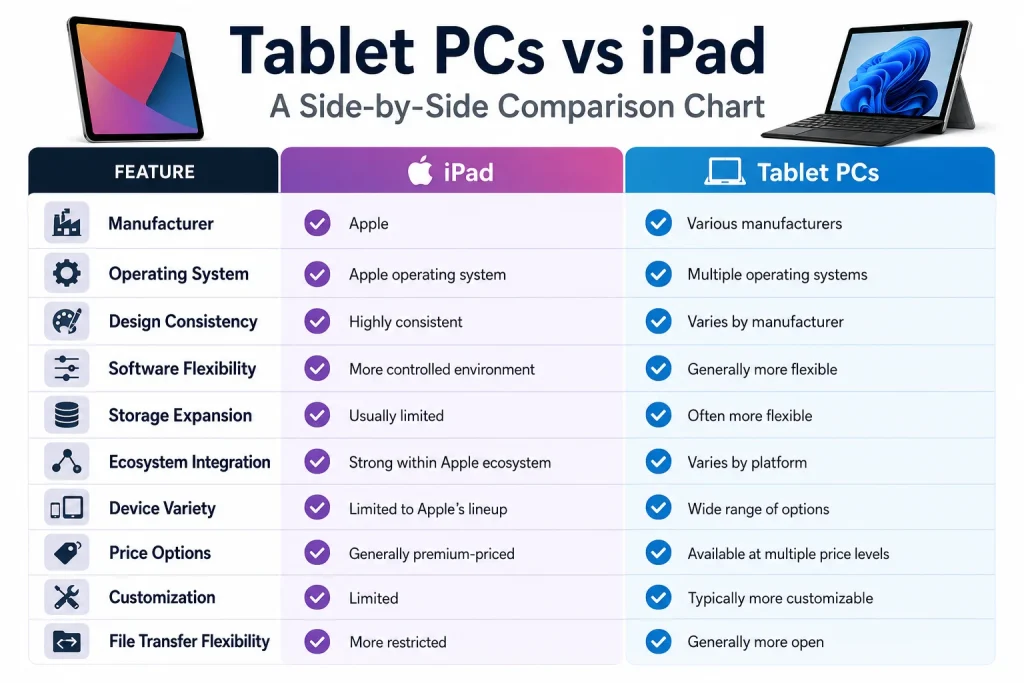
What Should You Choose Between an iPad and a Tablet PC?
The right choice depends entirely on your needs and preferences.
If you value a premium design, strong performance, a polished user experience, and seamless integration with other Apple devices, an iPad may be the better option.
If you prefer flexibility, broader software compatibility, storage expansion options, and a wider range of prices, a tablet PC may be more suitable.
Neither option is universally better than the other. The best choice is the one that aligns with your budget, workflow, and intended use.
Conclusion
If your priority is a premium experience, long-term software support, and seamless ecosystem integration, an iPad is often the better choice. If affordability, flexibility, and customization matter more, a tablet PC may offer better value. Ultimately, the best device depends on how you plan to use it and the features that matter most to you.
The main differences between iPads and tablet PCs lie in their operating systems, user experience, ecosystem integration, design approach, and pricing. iPads prioritize simplicity, consistency, and integration within the Apple ecosystem, while tablet PCs typically offer greater variety, flexibility, and a broader range of price options.
Frequently Asked Questions
Is an iPad considered a tablet?
Yes. An iPad is a type of tablet manufactured by Apple. All iPads are tablets, but not all tablets are iPads.
Which lasts longer, an iPad or a tablet?
Both can last for many years, but iPads are often known for receiving software updates for longer periods.
Can a tablet replace a laptop?
Many modern tablets can handle everyday tasks such as web browsing, video calls, note-taking, and document editing. However, laptops are generally better for advanced productivity tasks.